Hotkeys
Gameplay · Bongo Cat
Bongo Cat is controlled almost entirely through function-key shortcuts. Learn the six that matter and you can reposition, declutter, and troubleshoot the cat without opening a menu.
How it works
- F1 — resets the cat to its default position and size.
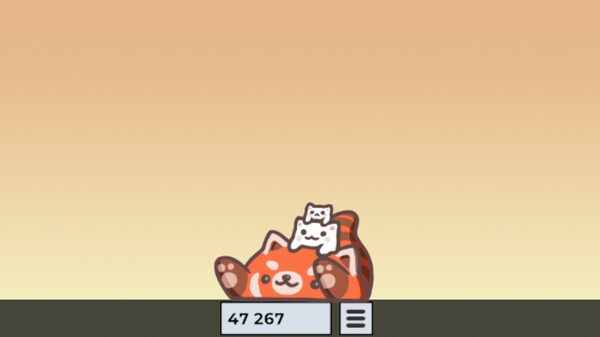
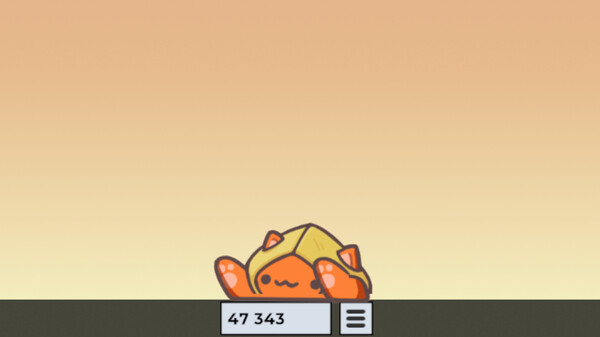
- F2 — hides the bongo beat counter.
- F3 — applies the transparency fix if the window renders with a solid background.
- F4 — turns Gaming Mode off (the Bongo Cat window must be focused).
- F — flips the direction the cat is facing.
- F12 — captures a screenshot of the cat.
Player tips
If the cat ever vanishes off-screen or you scale it so large you cannot grab it, press F1 immediately after starting the game to snap it back to a usable size and position. Note that F4 only works while the Bongo Cat window itself is focused — bring it forward with Alt+Tab or the taskbar icon first. On laptops, you may need to hold Fn for the function keys to register.
| F1 | Reset the cat's position and size |
|---|---|
| F2 | Hide the bongo beat counter |
| F3 | Apply the transparency fix |
| F4 | Exit Gaming Mode (Bongo Cat window must be focused) |
| F | Flip the direction the cat faces |
| F12 | Capture a screenshot of the cat |