 Bongo Cat Encyclopedia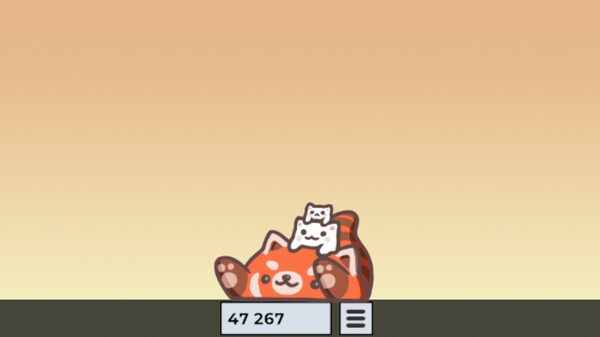
Inventory & Equipment
Gameplay · Bongo Cat
Your inventory is where every hat and skin you own lives, and equipping them is how the cat becomes yours. Open it from the cat's menu and dress the cat up in seconds.
How it works
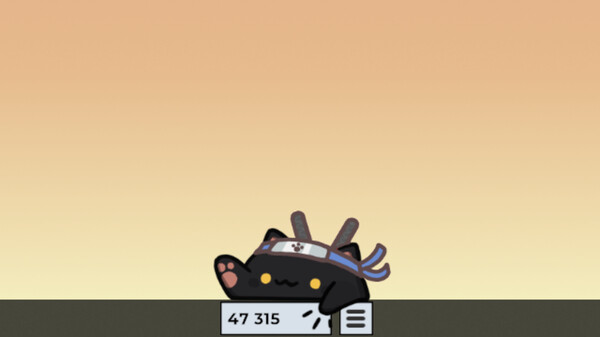
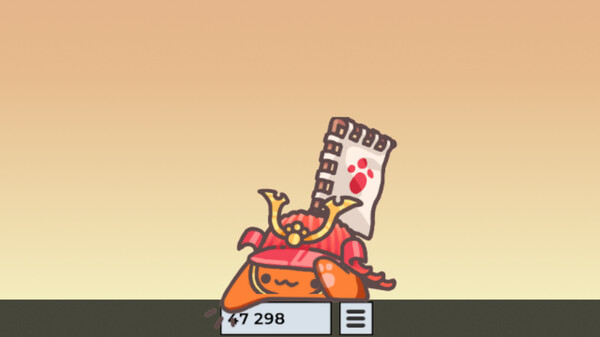
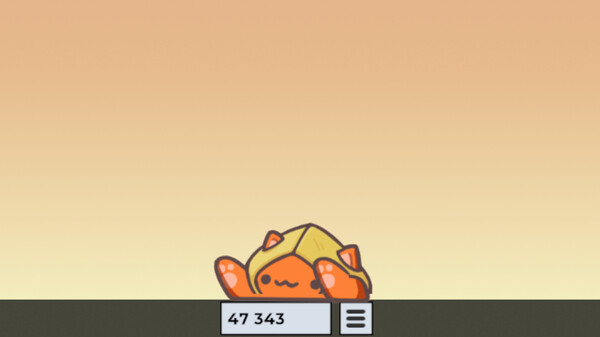
You can wear one hat and one skin at a time. Hats are accessories drawn on top of the cat, while skins replace the whole cat — including its paw animations, which is how you end up with a red panda or a dog doing the bonging. Fresh drops are marked as new when they land, and favorited items are protected from the auto exchange and feed the Randomize Cat outfit picker. Presets go a step further: Auto Equip Presets saves a different outfit per application and swaps the cat into it whenever that application becomes active.
Player tips
Set Randomize Cat on a timer if you like variety — with the "Only Favorites" option it cycles through looks you actually chose. If you use the cat as a streaming overlay or screenshot subject, pair a skin with a contrasting hat so the silhouette reads at a glance.
| Equipment Slots | One hat and one skin worn simultaneously |
|---|---|
| New Drops | Marked as new when they land in the inventory |
| Favorites | Protected from auto exchange; feed the Randomize Cat outfit picker |