Picture Mode
Gameplay · Bongo Cat
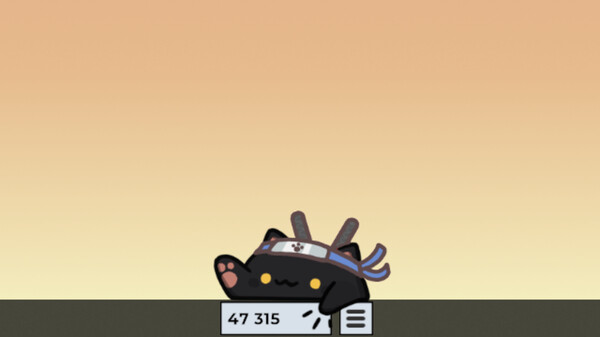
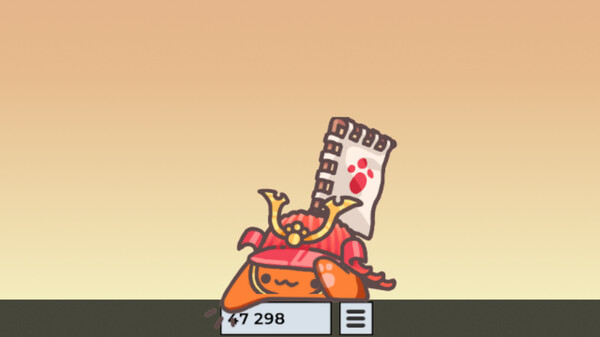
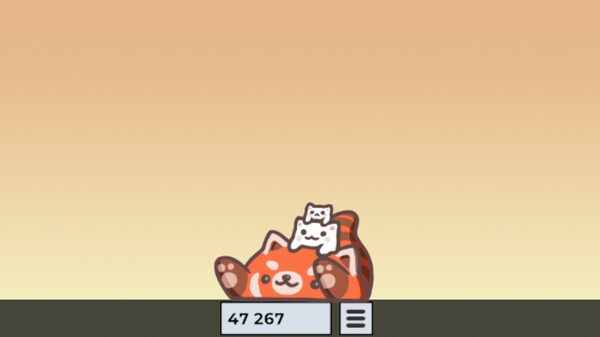
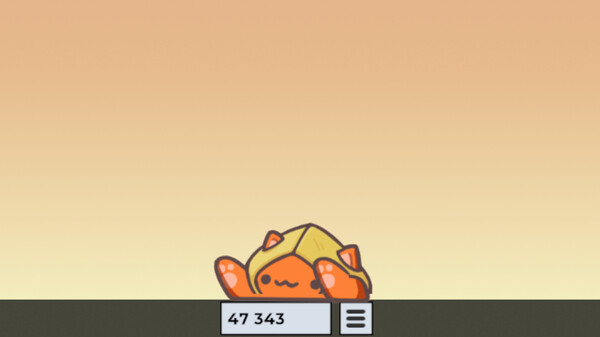
Picture Mode is the built-in way to capture your cat for screenshots. Pose the cat, dress it up, and press F12 to grab a clean image of your setup.
How it works
Arrange the scene first: drag the cat into place, flip it with F, pick a hat and skin from your inventory, and optionally hide the beat counter with F2 for an uncluttered shot. Pressing F12 then captures just the cat. In earlier versions the capture went to the clipboard; an update changed Picture Mode to save a proper screenshot instead, so you no longer need to paste it somewhere to keep it.
Player tips
Pair Picture Mode with the Randomize Cat or Meowtiplayer lobby outfits for group photos — friends' cats all render on your screen, so a lobby makes a fun group portrait. Tapping F2 before the shot keeps the counter out of frame.
| Hotkey | F12 |
|---|---|
| Result | Saves a screenshot of the posed cat |